



Frequently Asked Questions
Need help navigating our program? Check here first and message us if you need any further assistance!
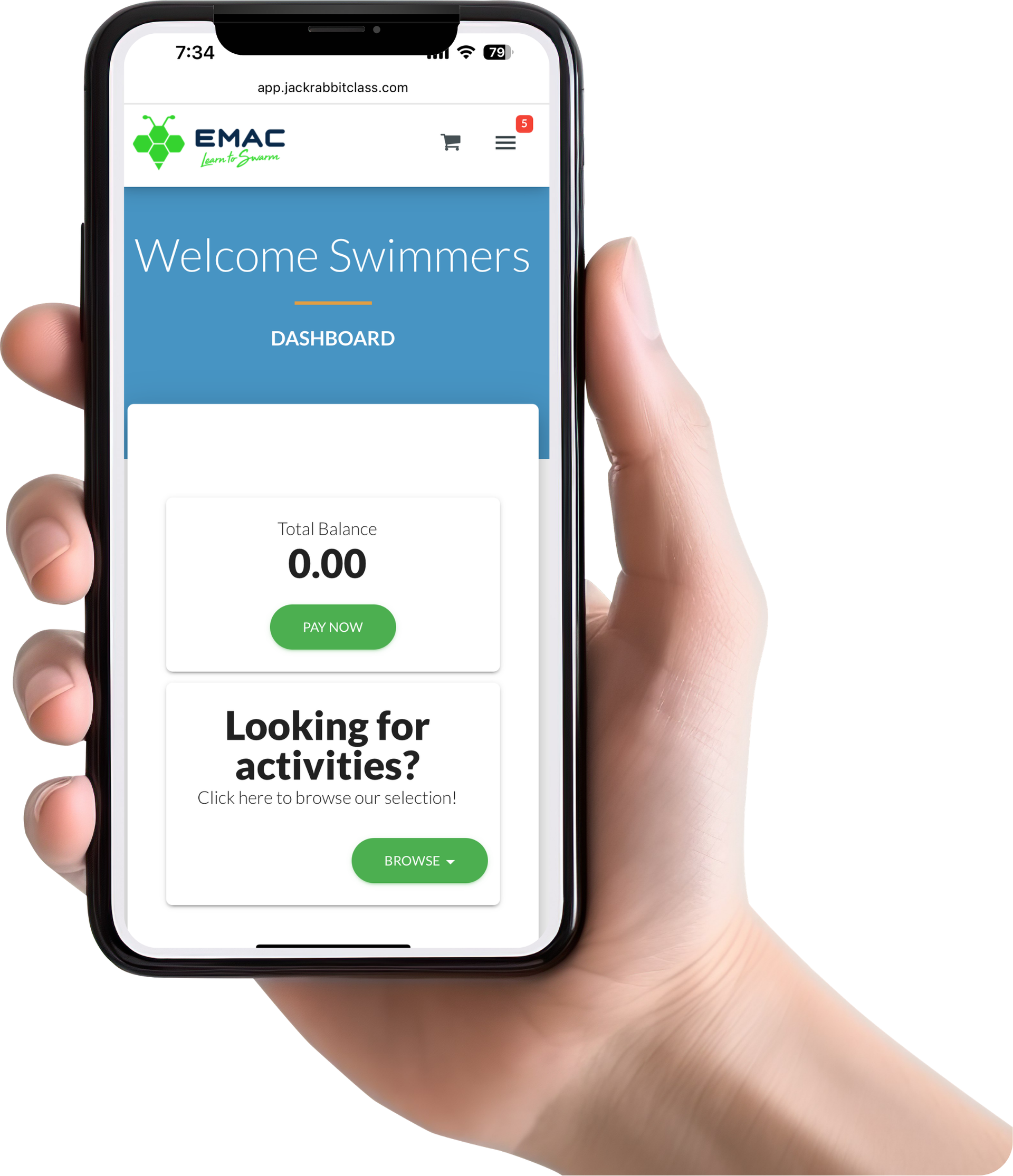
Navigating the Parent Portal
We use Jackrabbit's integrated Parent Portal to create a seamless experience for our families to track, schedule, makeup, and get in contact with everything Learn-to-Swim related!
Drop Request
To submit a drop request, go to the Dashboard in the Parent Portal. From there, go to "My Schedule" and locate the class you would like to drop. There should be 3 little dots in the corner of the box, and once that is clicked, the drop request should pop up!
Scheduling Absences & Makeups
You can now schedule absences ahead of time and see all of the availability for makeup classes through our parent portal to schedule them at your convenience!
If you are part of the Adaptive Program, please contact outreach@emacswim.org
If you are a
Private or Semi-Private, please contact
customerservice@emacswim.org
Transfers
Please do not process class transfers through the Parent Portal, as this may create additional charges on your account.
For any transfer requests, please message us through the parent portal or by direct email!
Need more assistance?
We’re here to help!
We want to know your needs exactly so that we can provide the perfect solution. Let us know your situation, and we’ll do our best to help.